Alfresco
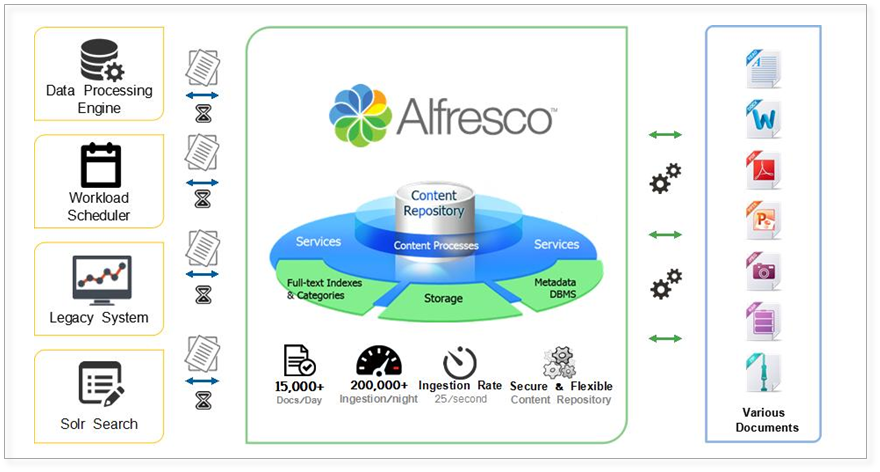
Alfresco is An open source Enterprise Content Management software, used for Document Collaboration . Alfresco Community Edition is open source Enterprise Content Management software that handles any type of content, allowing users to easily share and collaborate on content.
Prepare
When referring to this document to use Alfresco, please read and ensure the following points:
-
Login to Websoft9 Console and find or install Alfresco:
- Go to My Apps listing applications
- Go to App Store installing target application
-
This application is installed by Websoft9 console.
-
The purpose of this application complies with the apache2 open source license agreement.
-
Configure the domain name or server security group opens external network ports for application access.
Getting started
Login Verification
-
Complete the installation of Alfresco in the Websoft9 Console. Obtain the applicaiton's overview and access credentials from My Apps.
-
Wait 10 minutes for Alfresco to initialize.
-
Use a local browser to access the URL. Once the homepage loads, select Alfresco Repository > Alfresco Share to access the login page.
-
Log in to the Alfresco console and start using it
Features
The common functions and screenshots are as follows:
-
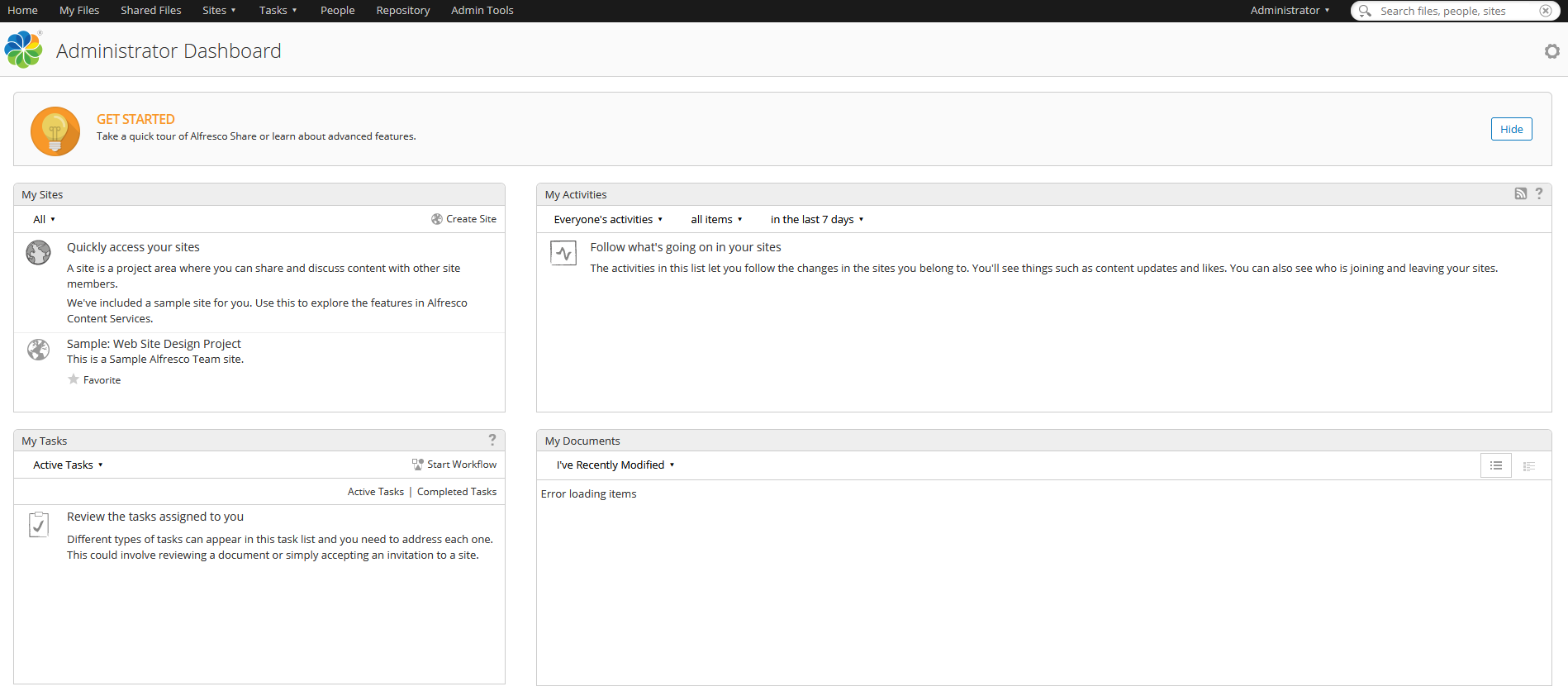
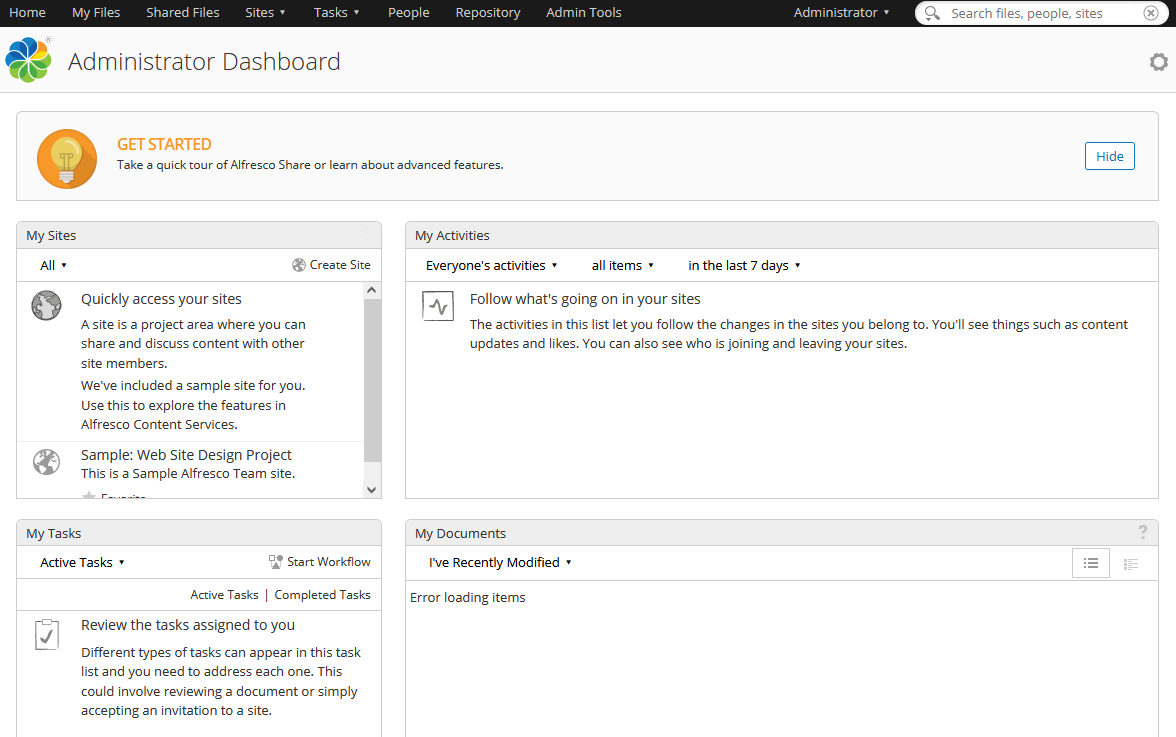
Backend dashboard
-
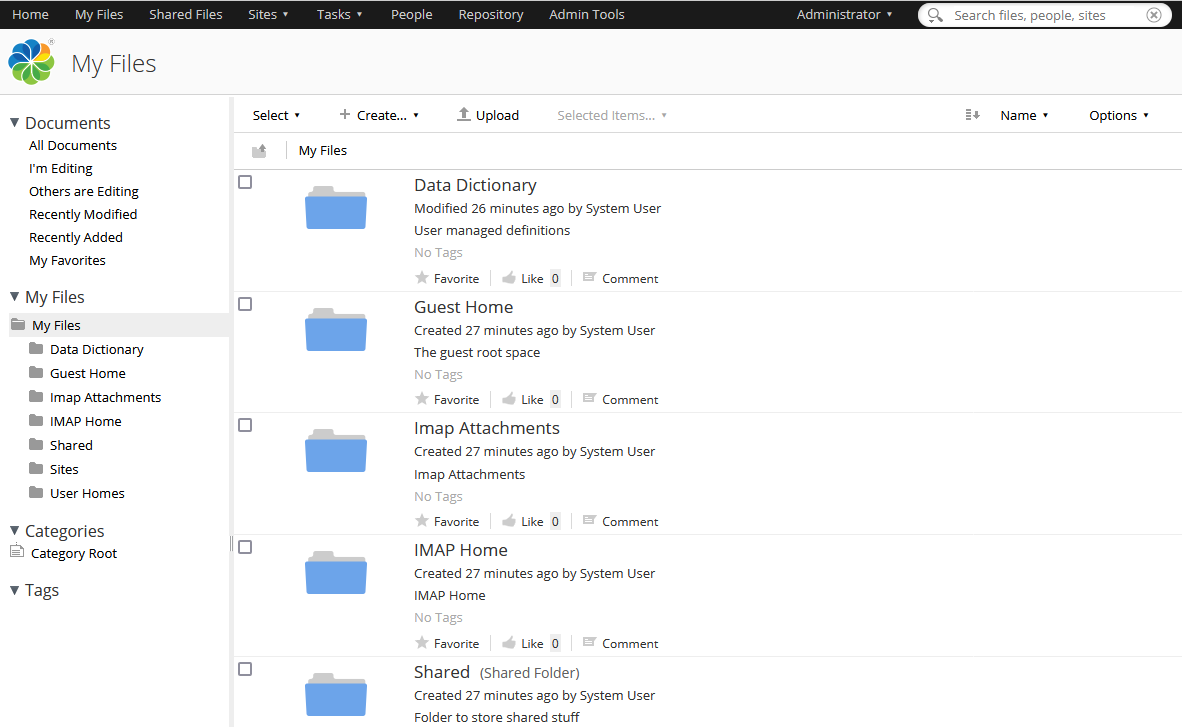
My Documents
-
Shared Documents
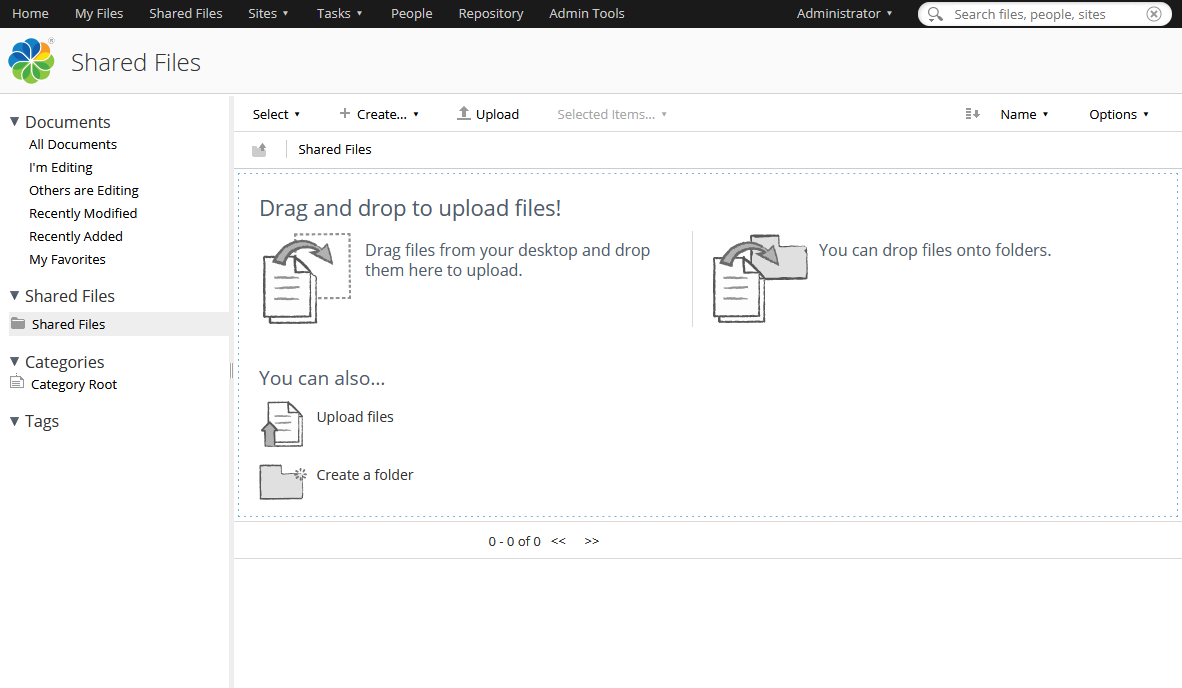
-
Add users
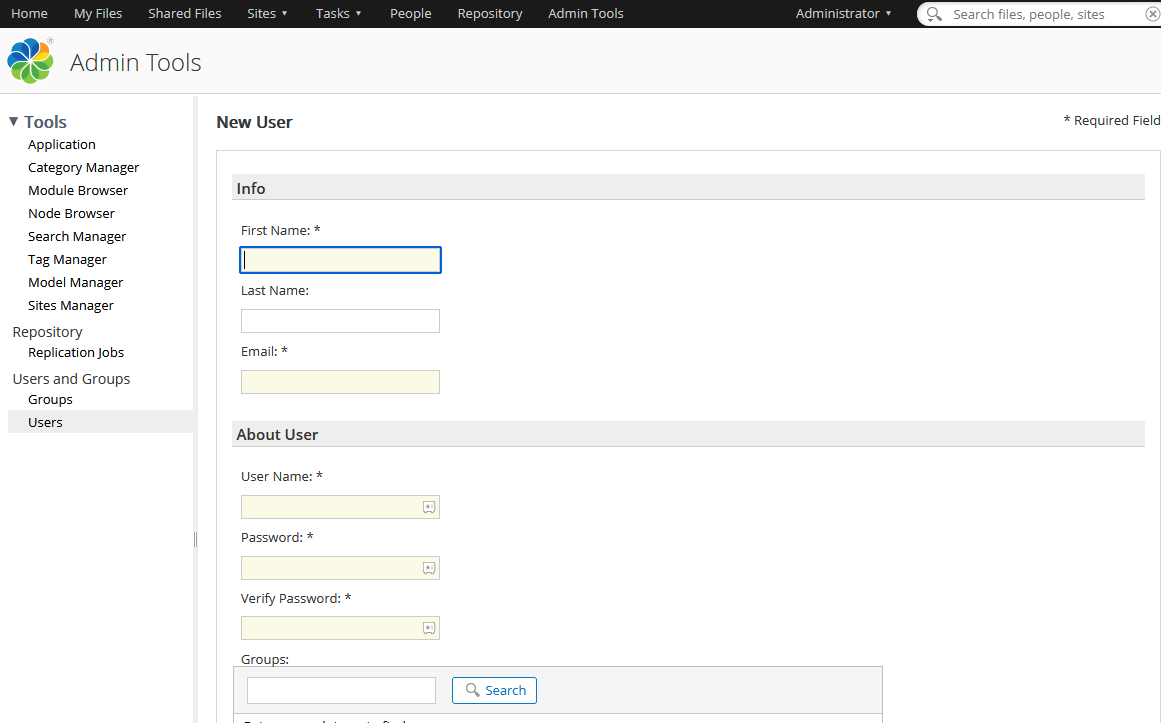
-
Add Group
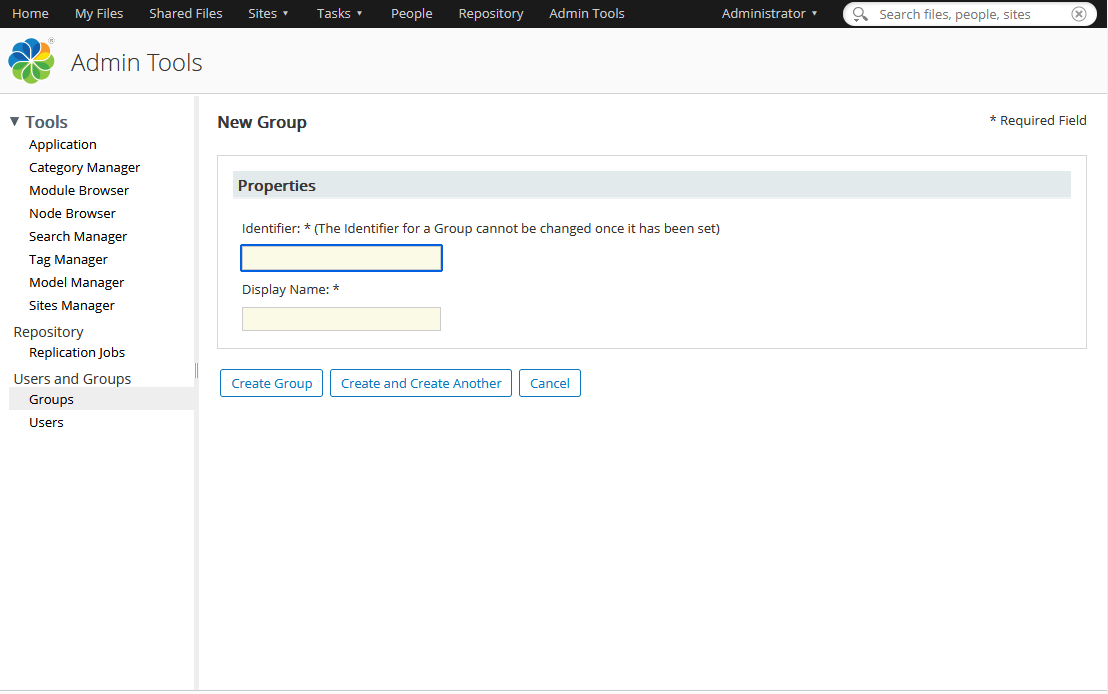
-
Workflow (Approval)
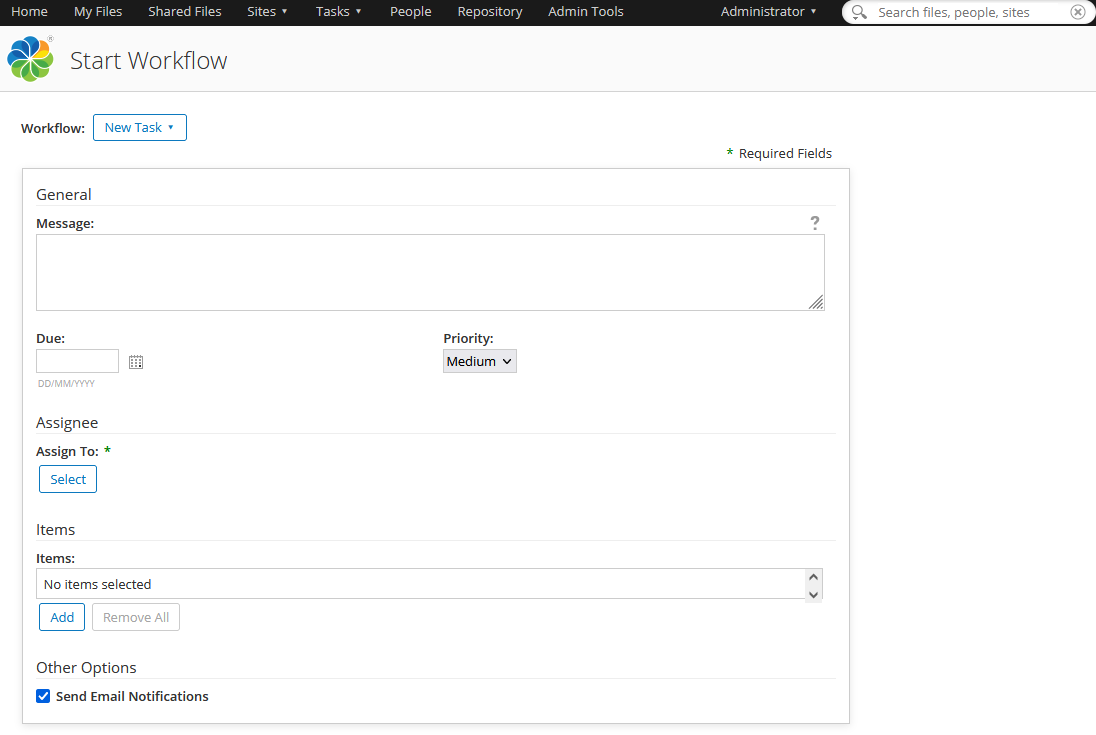
Document Editors
Refer to: Files and folders
Configuration Options
- Multilingual(✅): Alfresco will automatically adapt the language based on the client's browser settings and can also be configured to adjust the language in the background.
- SMTP(✅)
- Alfresco Community Edition vs Alfresco Content Services Enterprise
- Alfresco support file format
- Data storage directory: dir.root
- Metadata: Alfreco will automatically create a metadata file with the suffix metadata.properties.xml for the uploaded file
- Official Documentation: Alfresco Documentation
- Official Video: Alfresco Videos
- ReST API Guide
- Change password: In the Alfresco backend, go to the top right corner: Administrator > My Profile
Administer
- Reset password: Connect to the database, and run the SQL command
UPDATE alf_node_properties SET string_value='209c6174da490caeb422f3fa5a7ae634' WHERE node_id=4 and qname_id=10, The password will be reset to admin - Backup and restore
Troubleshooting
Chinese Markdown format preview garbled?
Description: View in browser is not garbled, but the content is garbled in Alfreco's built-in document details
Reason: Unknown
Solution: Currently unavailable